

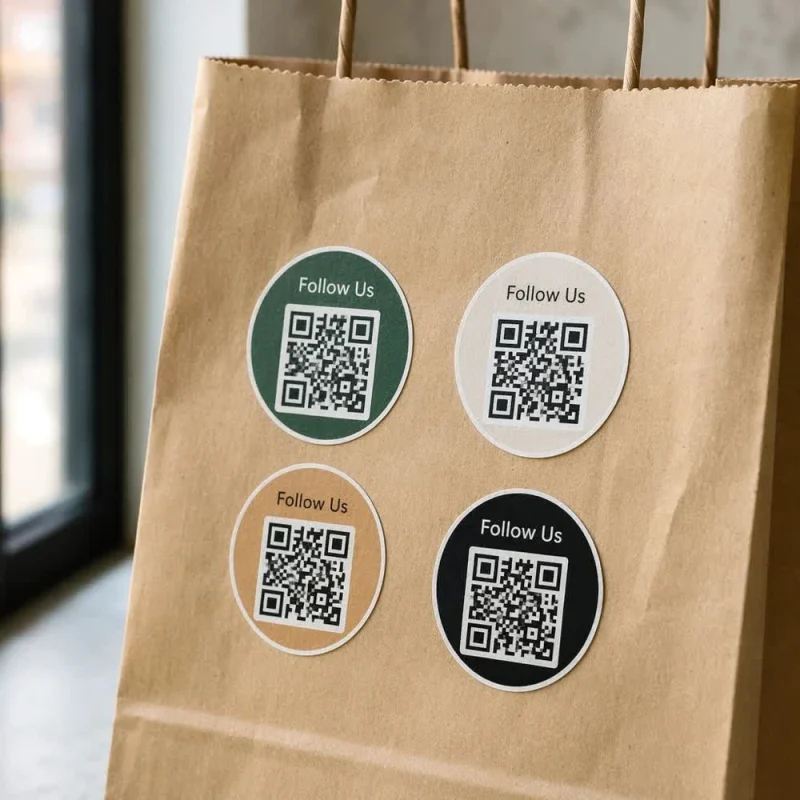
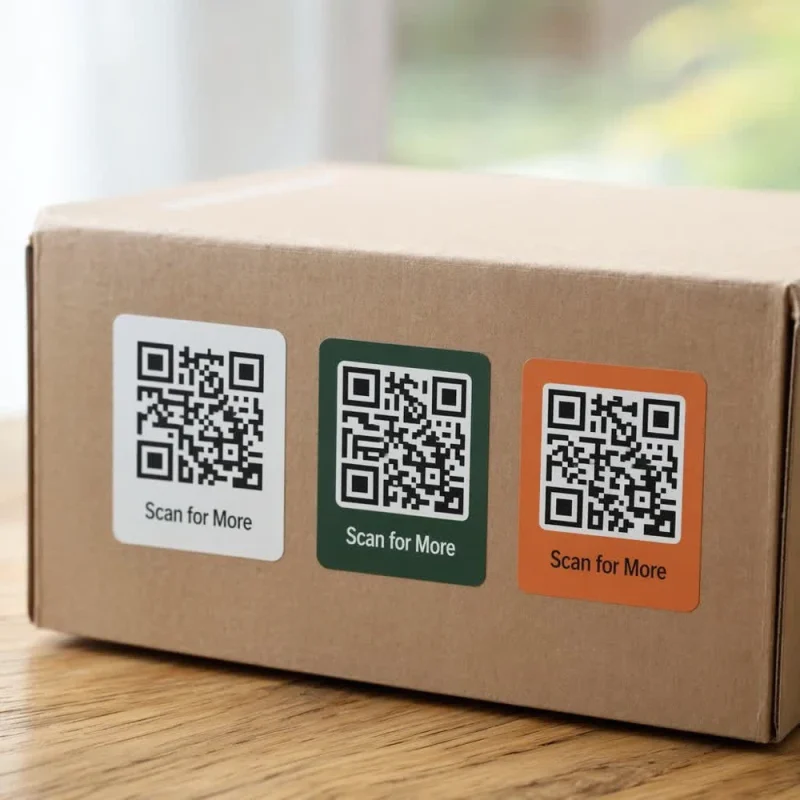
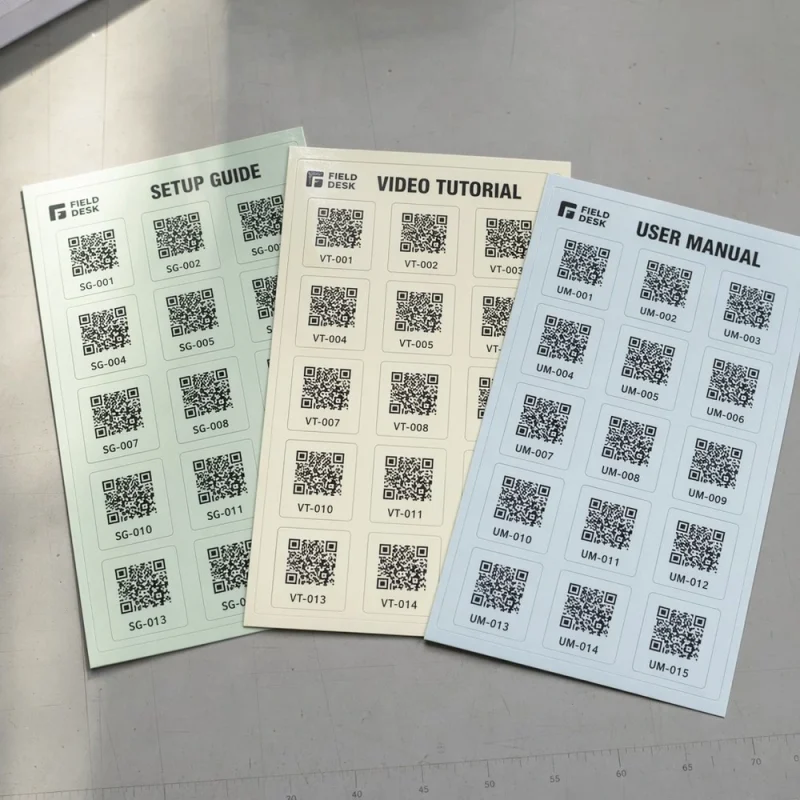
Custom QR Code Labels for Scan-to-Link Marketing
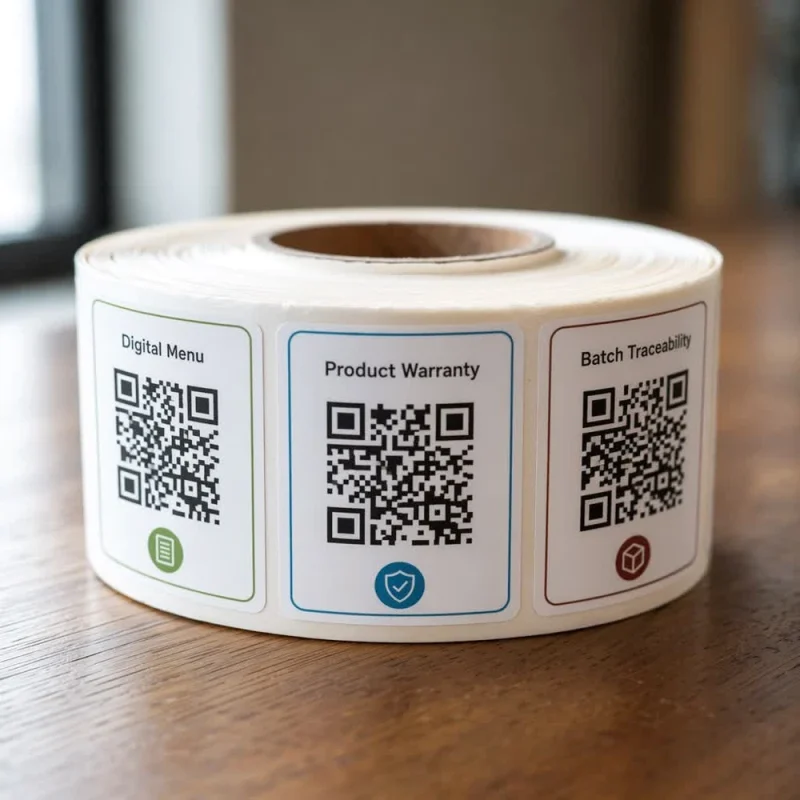
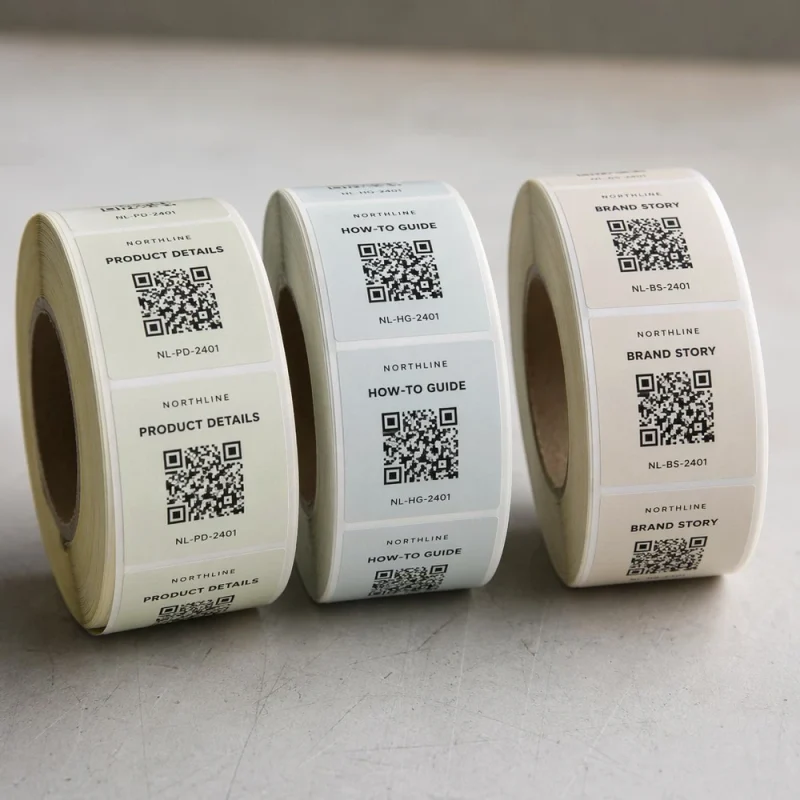
QR code labels that connect physical products to digital experiences. Link to product pages, videos, menus, authentication portals, loyalty programs, and traceability systems. High-contrast printing on matte-finish materials for reliable smartphone scanning — static and dynamic QR codes with variable data printing for unique codes per label.
01 · QR Size Scannability Spectrum
02 · 5 Pillars of Scan Reliability
03 · Material × Finish Compatibility Matrix
| Material | Matte Laminate | Matte Paper | Gloss Laminate | Foil Stamp |
|---|---|---|---|---|
| White BOPP | ||||
| White Paper | ||||
| White PET | ||||
| Thermal Transfer | ||||
| White Vinyl | ||||
| Clear BOPP + White Ink |
04 · Static vs Dynamic Decision Map
- Encodes destination directly in code pattern
- Cannot change after printing
- No analytics or scan tracking
- Best for permanent product info pages
- Lower cost, no subscription required
- Short redirect URL routes to real destination
- Update destination anytime, no reprint
- Scan analytics: location, time, device, count
- Best for campaigns, promos, A/B testing
- Recommended for marketing & traceability
05 · Quiet Zone Compliance Gauge
06 · Print Resolution Sharpness
QR code labels integrate a machine-readable QR (Quick Response) code into the product label design, allowing consumers to scan the code with a smartphone camera to access a linked digital destination. QR codes on product labels serve marketing purposes (landing pages, videos, social media), consumer engagement (recipes, tutorials, reviews), operational purposes (traceability, batch tracking, inventory management), and authentication (anti-counterfeiting, product verification). LabelsAgent prints QR codes at 300+ DPI resolution on matte or controlled-gloss materials to ensure reliable scanning across all smartphone platforms — supporting both static QR codes (fixed URL) and dynamic QR codes (redirectable URL with analytics), as well as variable data printing where each label on a roll carries a unique QR code.
When You Need QR Code Labels
Consumer Engagement
Link to product stories, how-to videos, recipes, usage instructions, brand origin stories, and social media profiles. Turn every product into a digital touchpoint.
MarketingProduct Traceability
Variable QR codes for batch tracking, production date encoding, supply chain visibility, and recall management. Each product carries a unique identifier.
OperationsAnti-Counterfeiting
Unique QR codes that authenticate the product when scanned. Direct consumers to a verification page that confirms the product is genuine.
AuthenticationRetail & E-Commerce Bridge
QR codes on physical products that link to online stores, reordering pages, subscription sign-ups, and cross-sell opportunities.
CommerceFood Menu & Nutrition Info
Restaurant sauce bottles, packaged foods, and beverage labels with QR codes linking to full ingredient lists, allergen info, and nutritional data.
Food & BevLoyalty & Rewards Programs
QR codes that enroll consumers in loyalty programs, unlock rewards points, or provide access to exclusive content and promotions.
CRMWarranty & Registration
Product warranty registration via QR code scan. Consumers scan to register their purchase, activating warranty coverage digitally.
Post-SaleMaterials for QR Code Labels
| Material | Swatch | Scan Reliability | Why It Works |
|---|---|---|---|
| White BOPP (Matte Laminate) | White background provides maximum contrast for black QR code. Matte laminate eliminates light reflection that interferes with scanning. Waterproof and durable. | ||
| White Paper (Matte Finish) | Cost-effective option for indoor dry products. Matte paper finish scans reliably. Good for food packaging and retail product labels. | ||
| White PET (Matte Laminate) | Premium durable film with matte laminate for long-shelf-life products and industrial traceability applications. | ||
| Thermal Transfer Paper | For on-demand variable QR code printing. Compatible with thermal transfer printers for batch-by-batch unique code generation. | ||
| White Vinyl (Matte) | Durable matte vinyl for outdoor QR code labels, equipment tagging, and industrial asset tracking. | ||
| Clear BOPP with White Ink QR Area | For no-label look designs. White ink creates an opaque background area specifically for the QR code on otherwise transparent label. |
Where QR Code Labels Perform Best
Food & Beverage
Recipe links, sourcing stories, tasting notes, ingredient lists, allergen info, pairing suggestions.
PremiumBeauty & Cosmetics
Tutorial videos, ingredient transparency, usage guides, skin type matching, recycling instructions.
PremiumWine & Spirits
Tasting notes, vineyard stories, food pairings, vintage details, awards, and reviews.
PremiumRetail & E-Commerce
Product authentication, online reordering, review pages, warranty registration, loyalty enrollment.
PremiumIndustrial
Asset tracking, maintenance logs, safety data sheets, installation guides, equipment manuals.
StandardLogistics
Shipment tracking, delivery confirmation, warehouse routing, returnable container management.
StandardCandle & Home
Scent profiles, burn instructions, scent story, brand heritage, complementary product suggestions.
StandardPharmaceutical
Drug information, dosage instructions, authentication, side effect data, reporting portals.
RegulatedEnsuring Reliable QR Code Scanning
Contrast Is Critical
QR codes require high contrast between code modules (black) and background (white). Black on white provides best scanning reliability. Never print QR codes in light colors or on dark backgrounds without testing.
CRITICALMatte Finish Scans Better
Glossy and foil surfaces reflect light, creating glare that prevents smartphone cameras from reading the QR code. Matte laminate or matte paper eliminates reflection for consistent scanning across lighting conditions.
CRITICALMinimum Size Requirements
QR codes must be at least 0.8 × 0.8 inches (20×20mm) for reliable close-range scanning. For codes scanned at arm's length or shelf distance, 1.2+ inches is recommended. Code density also affects scannable size.
HIGHQuiet Zone Around the Code
QR codes require a "quiet zone" — a margin of blank white space around all four sides. Without this margin (at least 4 code modules wide), scanners cannot detect the code boundaries.
HIGHPrint Resolution Matters
QR codes must be printed at 300 DPI or higher. Lower resolution causes edge blur on the code modules, making scanning unreliable. Our digital and flexographic printing maintains 300+ DPI.
HIGHTest Before Mass Production
Always print a proof and test the QR code with multiple smartphone models (iPhone, Android) and scanning apps. Verify destination URL loads and that the code scans from realistic angles and distances.
RECOMMENDEDQR Code Label Formats
QR Code Roll Labels
For batch application and variable data printing. Each label can carry a unique QR code for traceability and authentication.
Roll Labels →QR Code Sheet Labels
For small-batch products, promotional campaigns, and event labeling. Good for short runs with single or limited QR code variations.
Sheet Labels →QR Code Stickers
For promotional QR stickers, shelf talkers, table tents, event tags, and packaging seals. Die-cut in any shape with scannable QR code.
Stickers →Buyer Mistakes with QR Code Labels
Printing QR Codes Too Small
QR codes smaller than 0.8 inches may not scan reliably, especially from a distance or with older smartphone cameras. A 1.2-inch code scans from shelf distance.
FIX → Use ≥ 1.2" for shelf scanPlacing QR Codes on Gloss or Foil
Reflective surfaces create glare that blocks scanning. Always place QR codes on a matte white area. If the label has foil/gloss, reserve a separate matte area for the QR code.
FIX → Matte white island for QRMissing Quiet Zone
The quiet zone (blank margin around the QR code) is essential for scanner detection. Designs that crowd text/graphics up to the QR edge cause scanning failures.
FIX → Reserve ≥ 4-module marginUsing Static Codes for Dynamic Content
Static QR codes cannot be changed after printing. If you need to update destination URL, run promotions, or track analytics, use dynamic QR codes that redirect.
FIX → Choose dynamic for campaignsLow Contrast Color Choices
QR codes in brand colors (blue, green, brown) instead of black may fail to scan on some devices. Black-on-white provides best scanning reliability.
FIX → Black on white; brand color in frameNot Testing on Real Products
QR codes that scan perfectly on a flat proof may fail on curved bottles, textured packaging, or under retail lighting. Always test on the actual product container.
FIX → Test on real container in store lightQR Code Label FAQ
What is a QR code label?
A QR code label is a product label or sticker that includes a QR (Quick Response) code linking to a digital destination such as a website, product page, video, menu, or authentication page. Consumers scan the code with a smartphone camera to access the linked content instantly. QR code labels bridge physical products and digital experiences, enabling marketing engagement, product traceability, anti-counterfeiting, loyalty programs, and consumer education without requiring additional packaging space for printed information.
What size should a QR code be on a label?
QR codes should be at least 0.8 × 0.8 inches (20 × 20mm) for reliable scanning from a standard smartphone distance of 10–15 cm. For codes that will be scanned from farther away (shelf distance, arm's length), 1.2 inches (30mm) or larger is recommended. The minimum scannable size also depends on the QR code density — codes that encode more data (longer URLs) have more modules and need to be larger to scan reliably. Always test the final printed size with multiple devices before committing to production.
What is the difference between static and dynamic QR codes?
Static QR codes encode a fixed destination URL directly in the code pattern. The destination cannot be changed after the labels are printed. Dynamic QR codes use a short redirect URL that routes to the actual destination through a QR management platform. The destination can be changed at any time without reprinting labels, and dynamic codes provide scan analytics (location, time, device, count). Dynamic codes are strongly recommended for marketing campaigns, promotions, and any application where the destination may change.
Can QR codes be printed on foil or glossy labels?
QR codes should not be printed directly on foil or high-gloss surfaces. Reflective surfaces create glare that prevents smartphone camera sensors from reading the code pattern. If your label design includes foil or gloss elements, reserve a separate matte-finish white area for the QR code. Alternatively, use a matte laminate over the entire label including the QR code area. When combining QR codes with premium finishes, always test scannability on the final printed label under various lighting conditions.
Can I use variable QR codes with different URLs per label?
Yes. Variable data printing (VDP) allows each label on a roll to carry a completely unique QR code linking to a different URL. This is widely used for product traceability (each item has a unique tracking page), anti-counterfeiting (each item has a unique authentication page), batch tracking (each batch has a unique information page), and event ticketing (each label is a unique entry credential). We support variable QR code printing from database files provided in CSV, Excel, or similar formats.
Connect Your Products to Digital Experiences
Tell us your QR code destination, label size, and material preference. We will ensure your codes print scannable, crisp, and reliable.
No reviews yet.
Write a Review
You must be logged in to post a comment.